Your Cart
-
${ item.product_title }$ ${item.price}


SPECIFICATIONS
ABXY Switch Type: Tactile switch
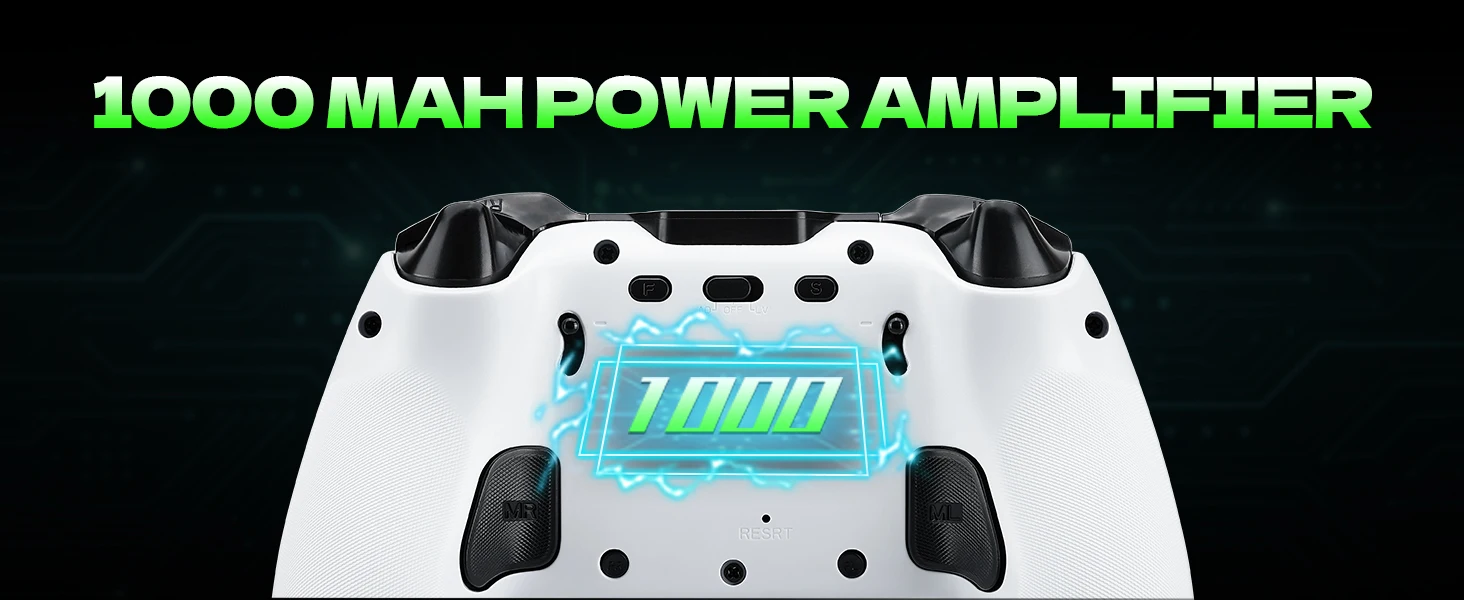
Battery Included: Yes
Brand Name: NONE
Bumpers Switch Type: MICRO SWITCH
Choice: yes
Compatible Brand/Model: PC
Compatible Platform: Nintendo Switch,playstation,PC,Android,iOS
D-pad Switch Type: MICRO SWITCH
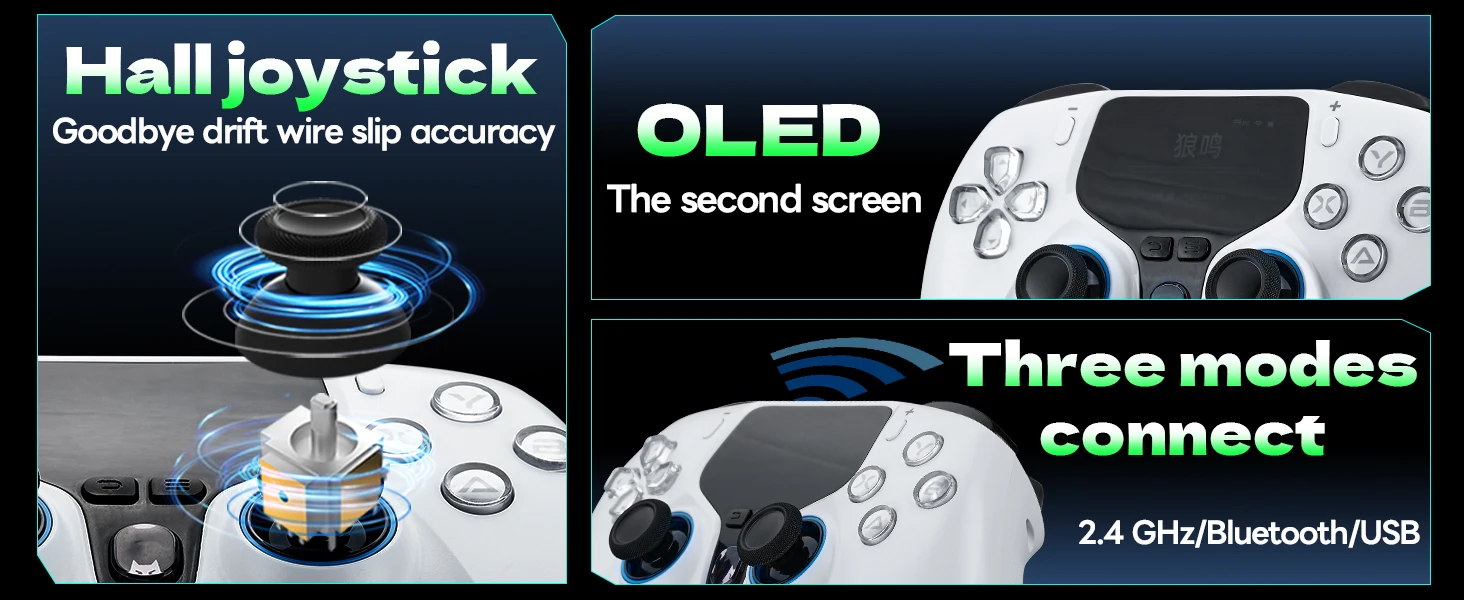
Hall Effect: Yes
High-concerned chemical: None
Interface Type: 2.4G,Type C
Joystick Sensor Module Brand/Type: Hall
Model Number: 775
Origin: Mainland China
PC System: Windows 7
Package: Yes
RGB lighting joysticks: No
Support Software configuration: No
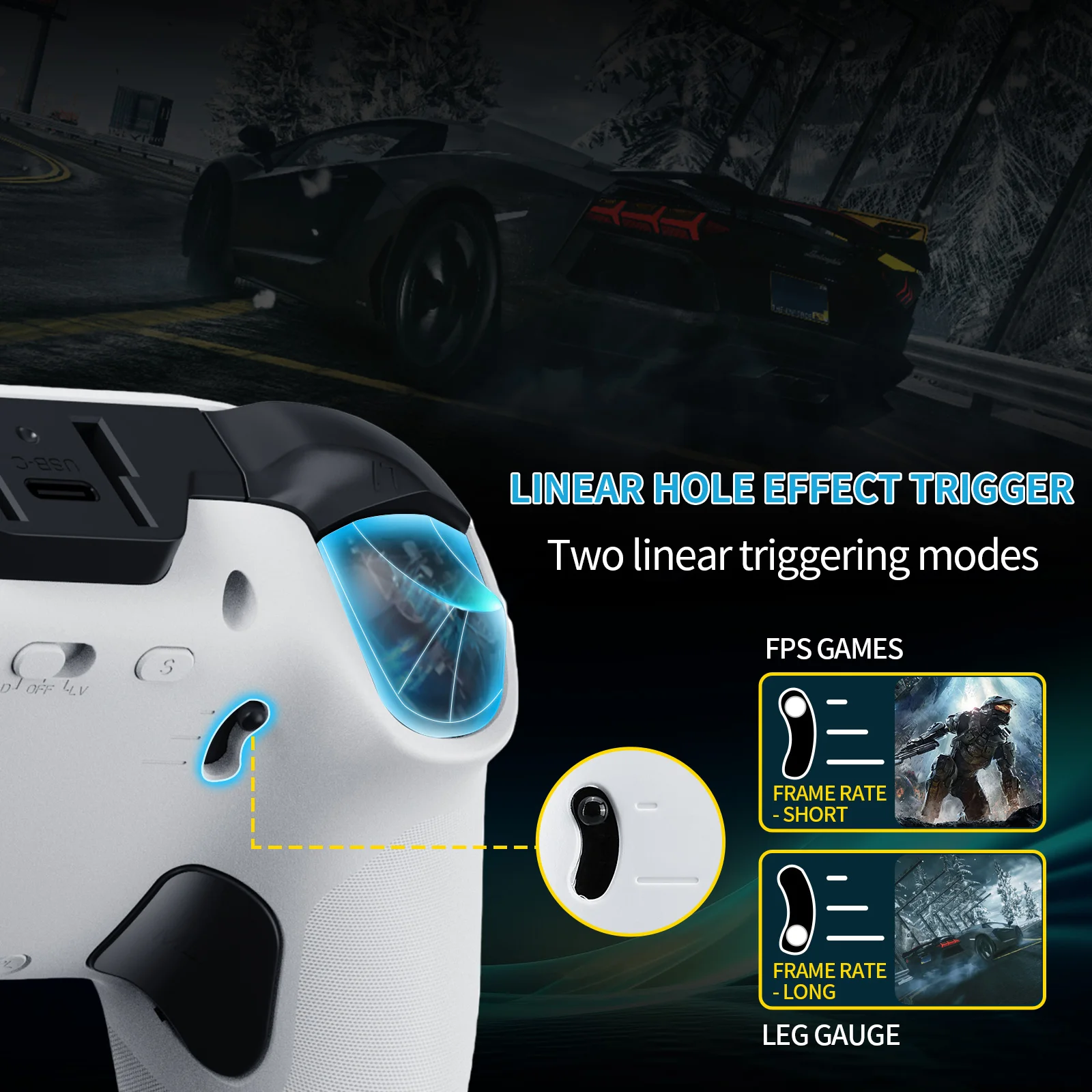
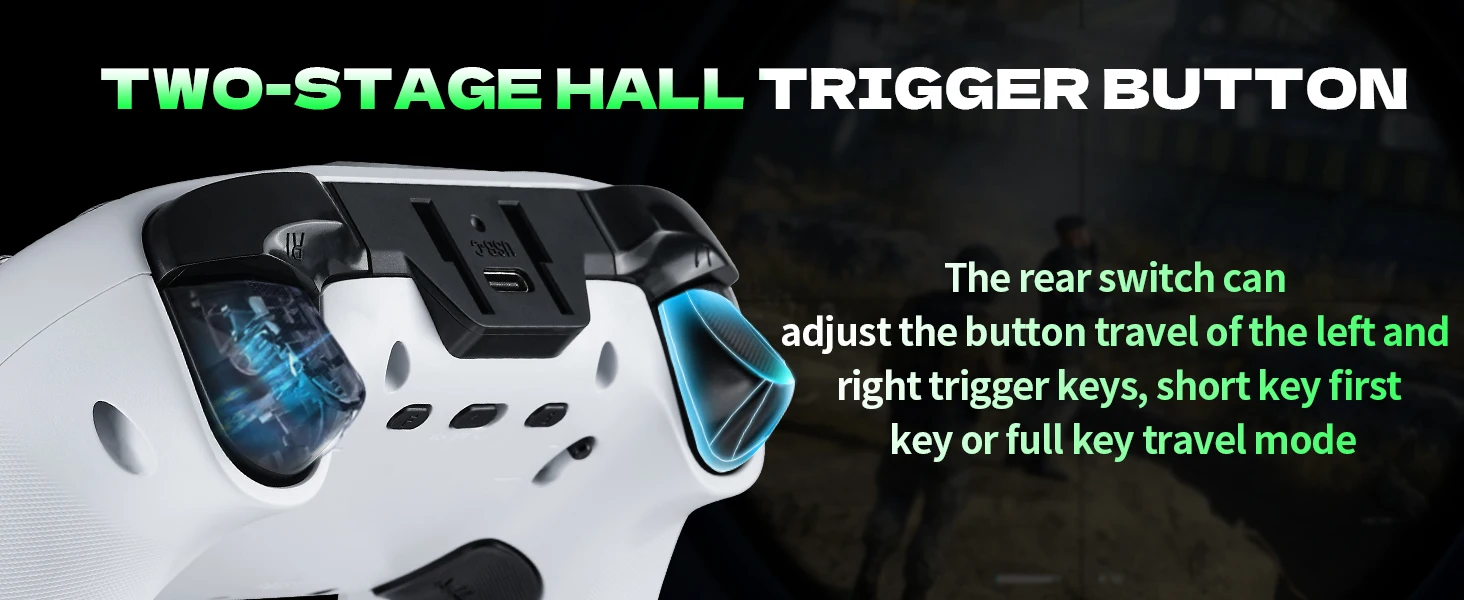
Trigger Button Type: Hall-Linear
Type: Gamepads
Wear-resistant joysticks: Yes
Product Features:
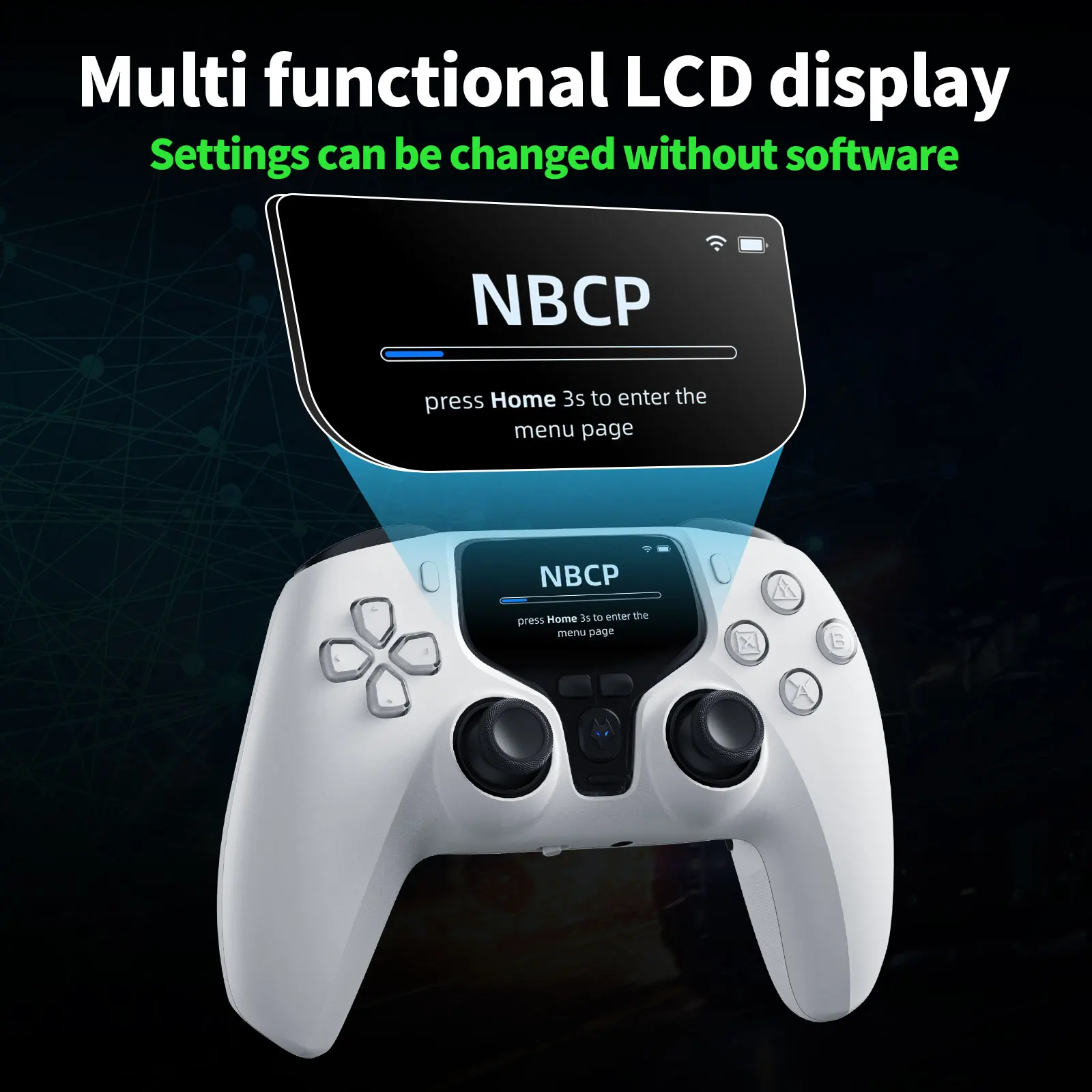
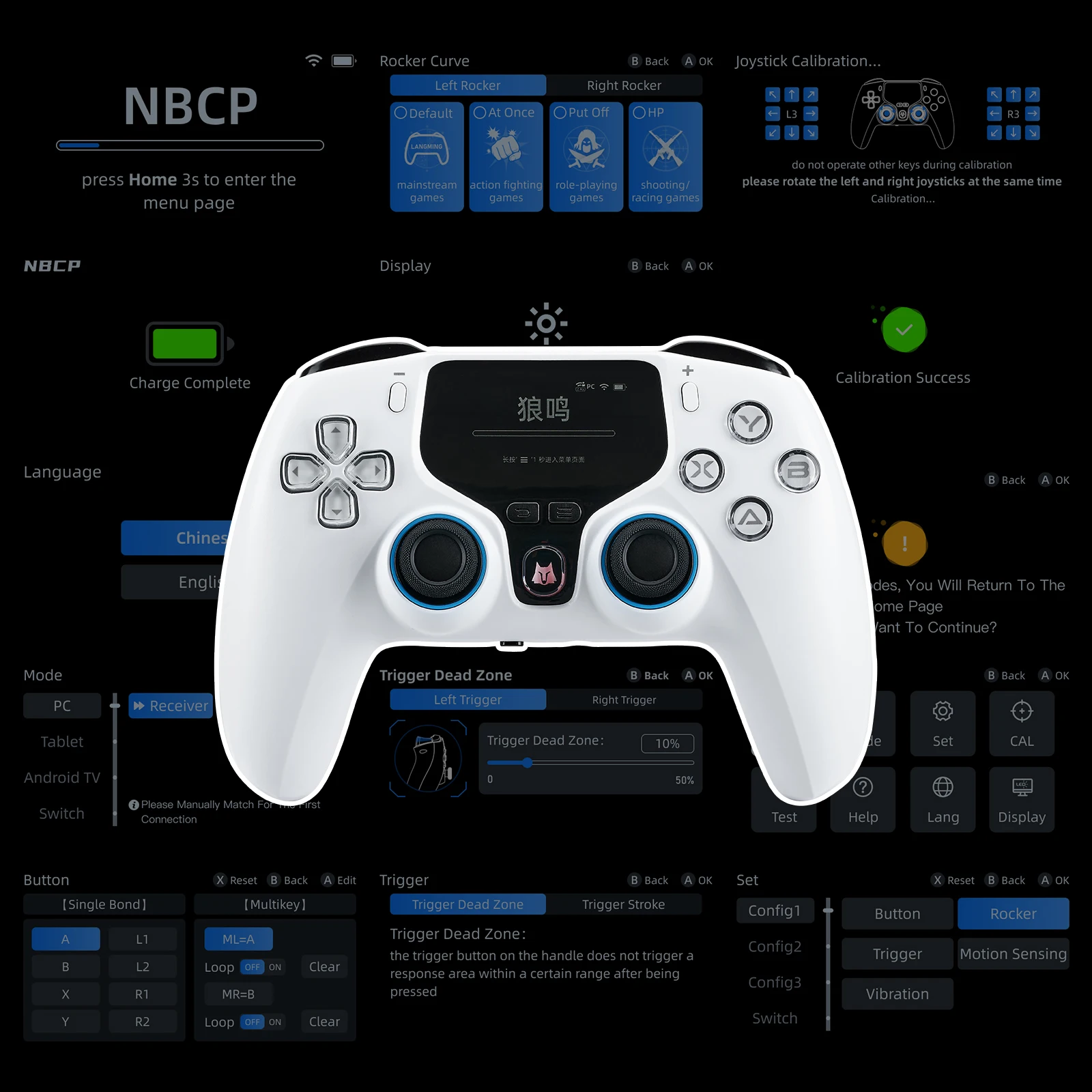
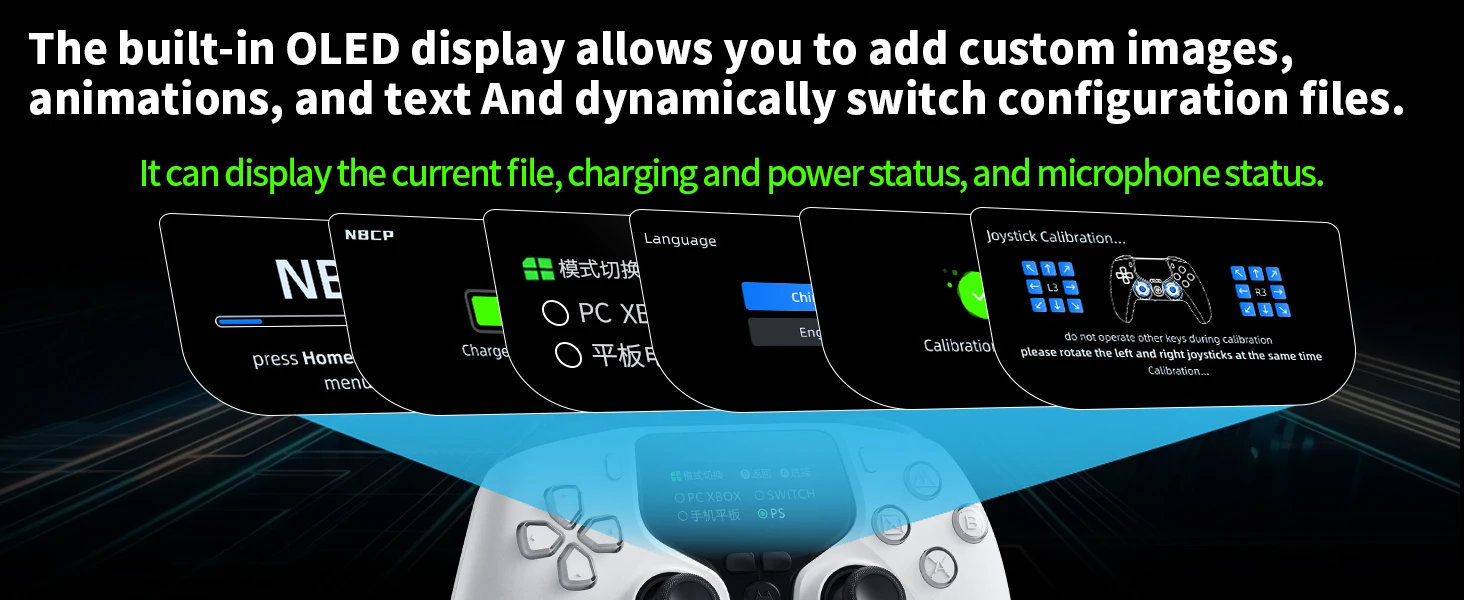
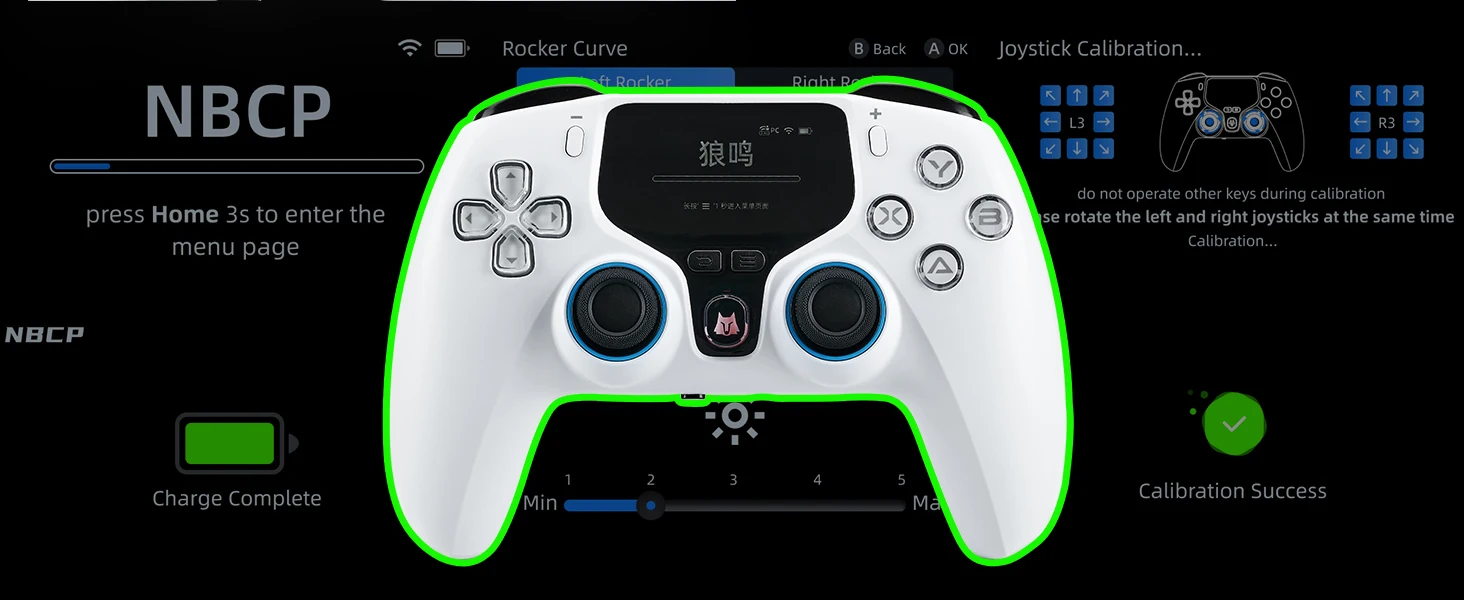
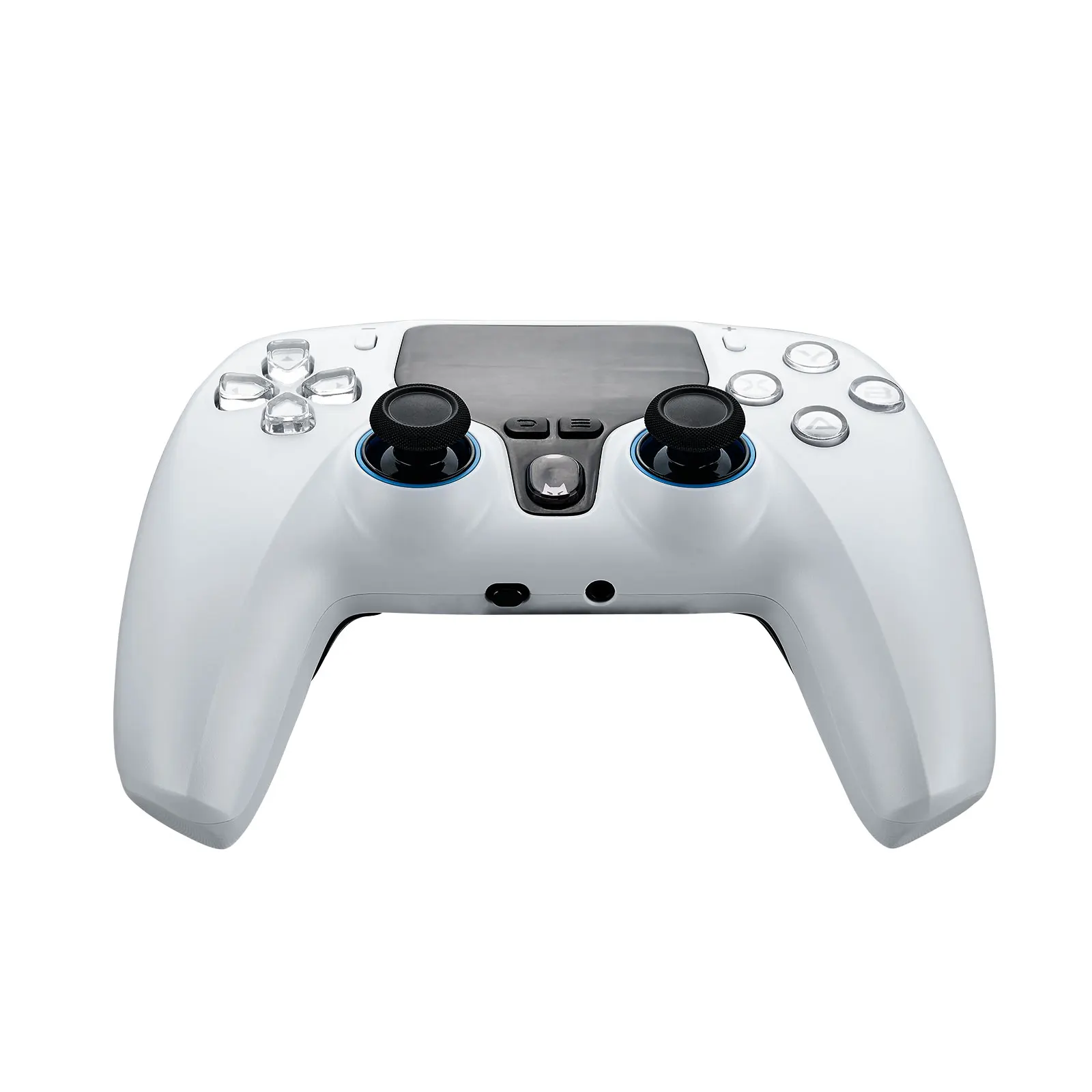
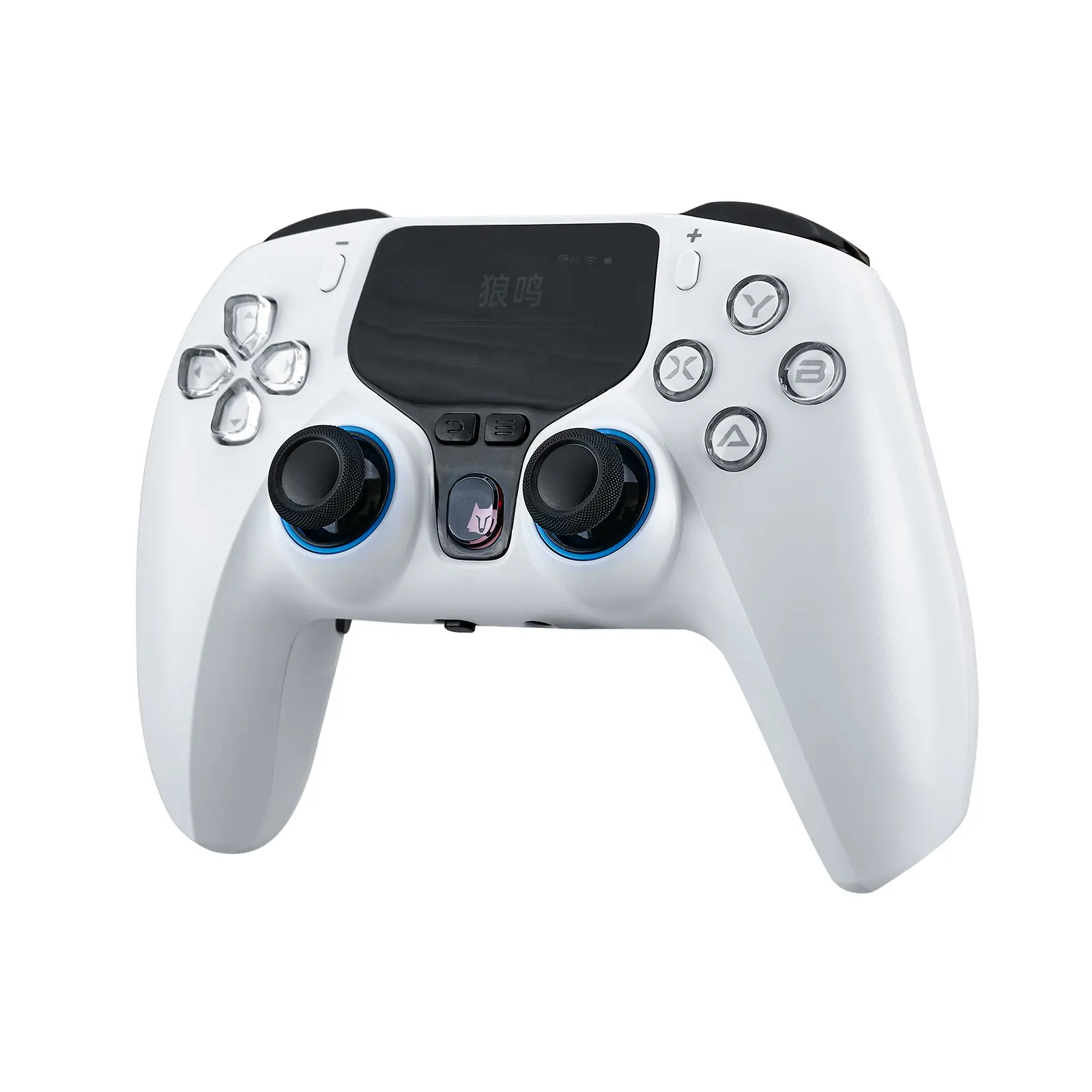
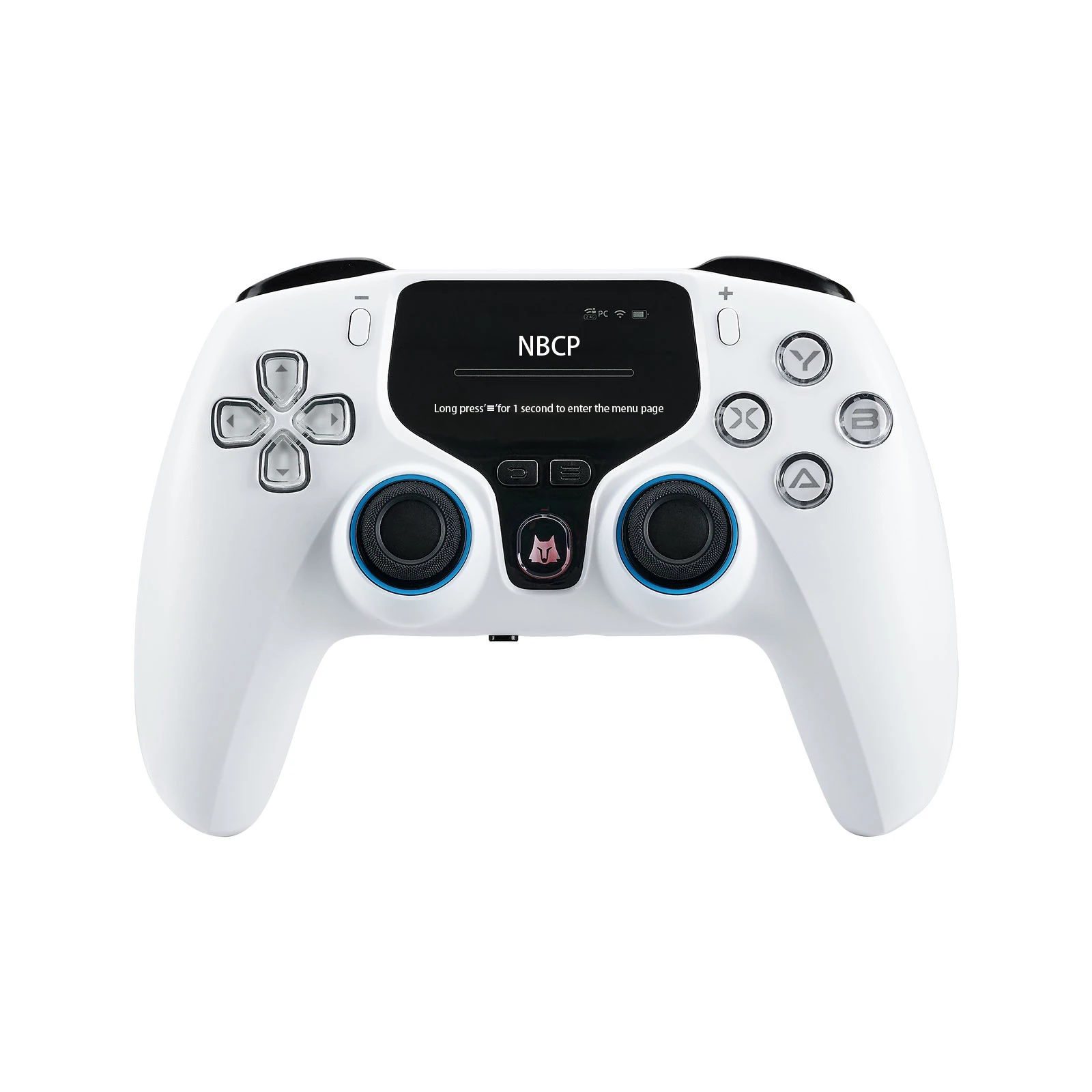
Supported Platforms: PC / PS3 / Switch / Android / iOS / Android TV. Includes a display screen.
-
High-Precision Hall Effect Components:
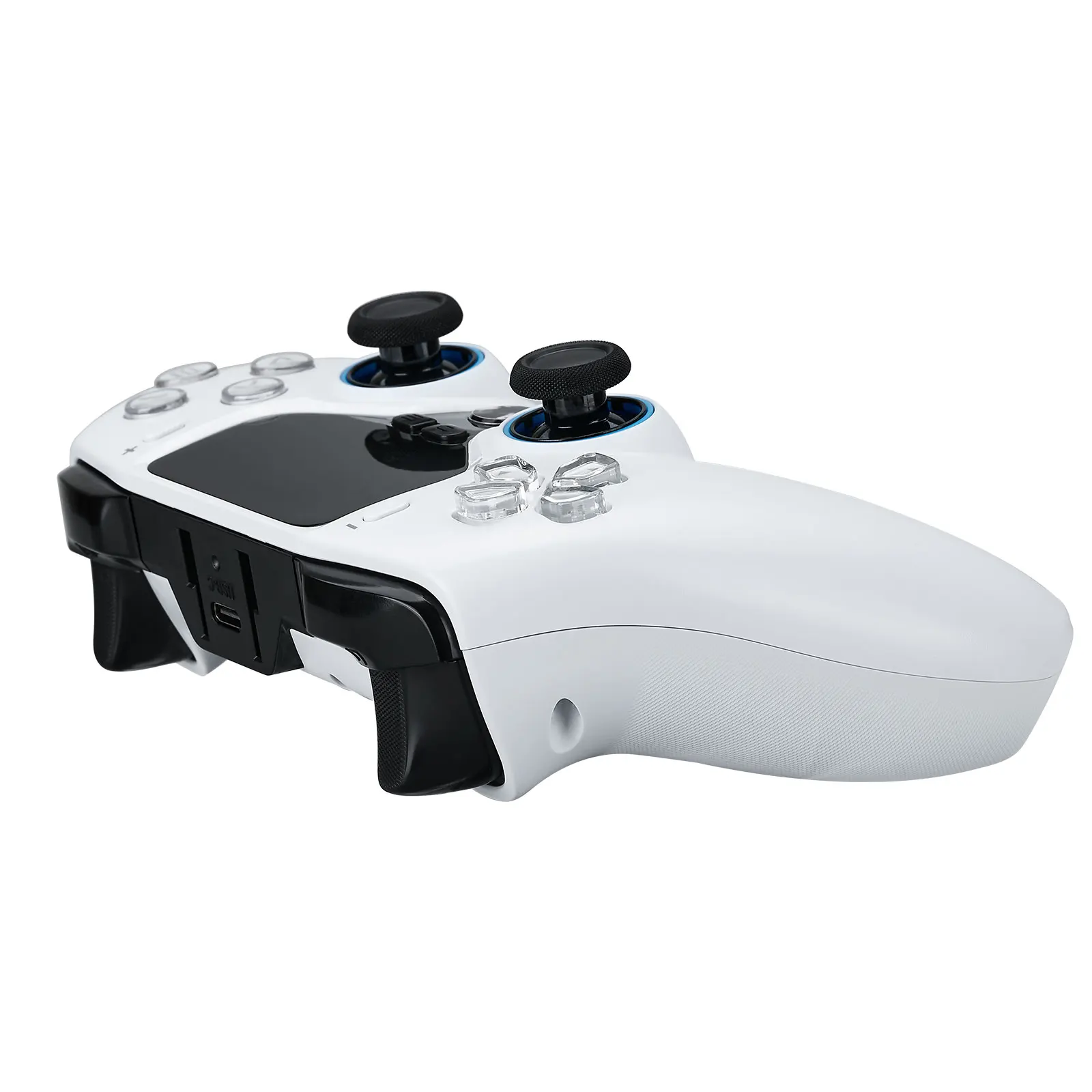
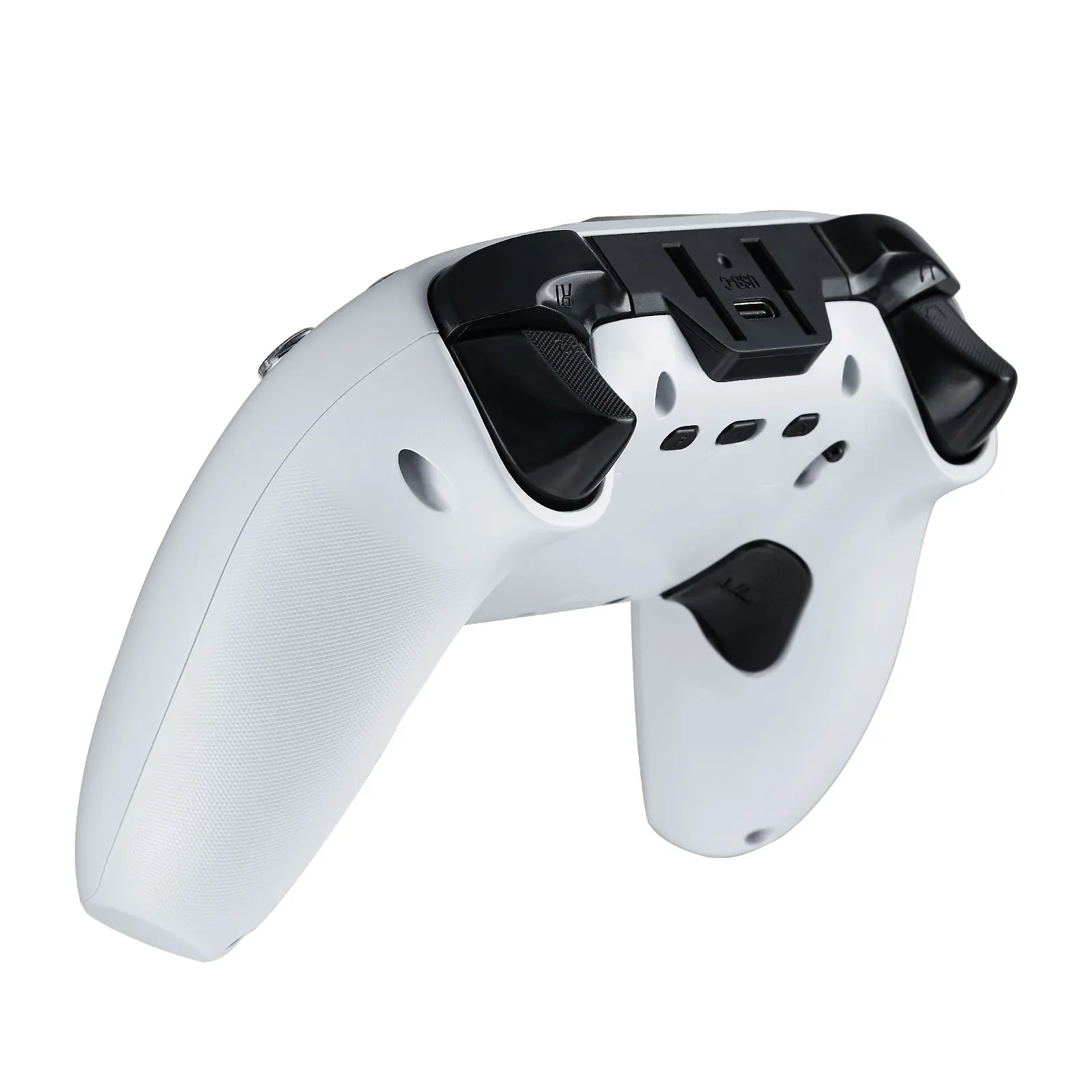
Hall Effect Joysticks & Hall Effect Triggers (L2/R2) with adjustable trigger travel (short/long modes).
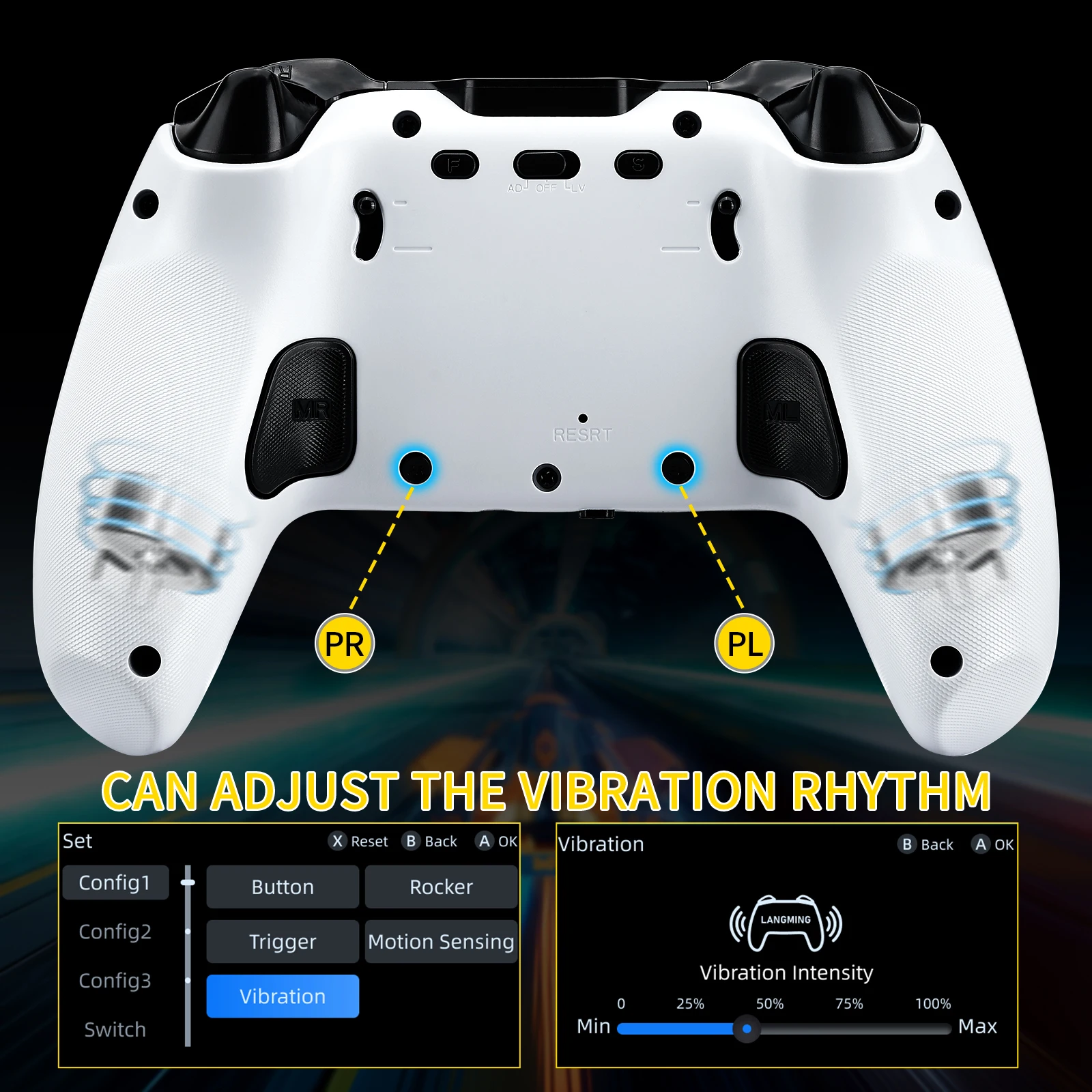
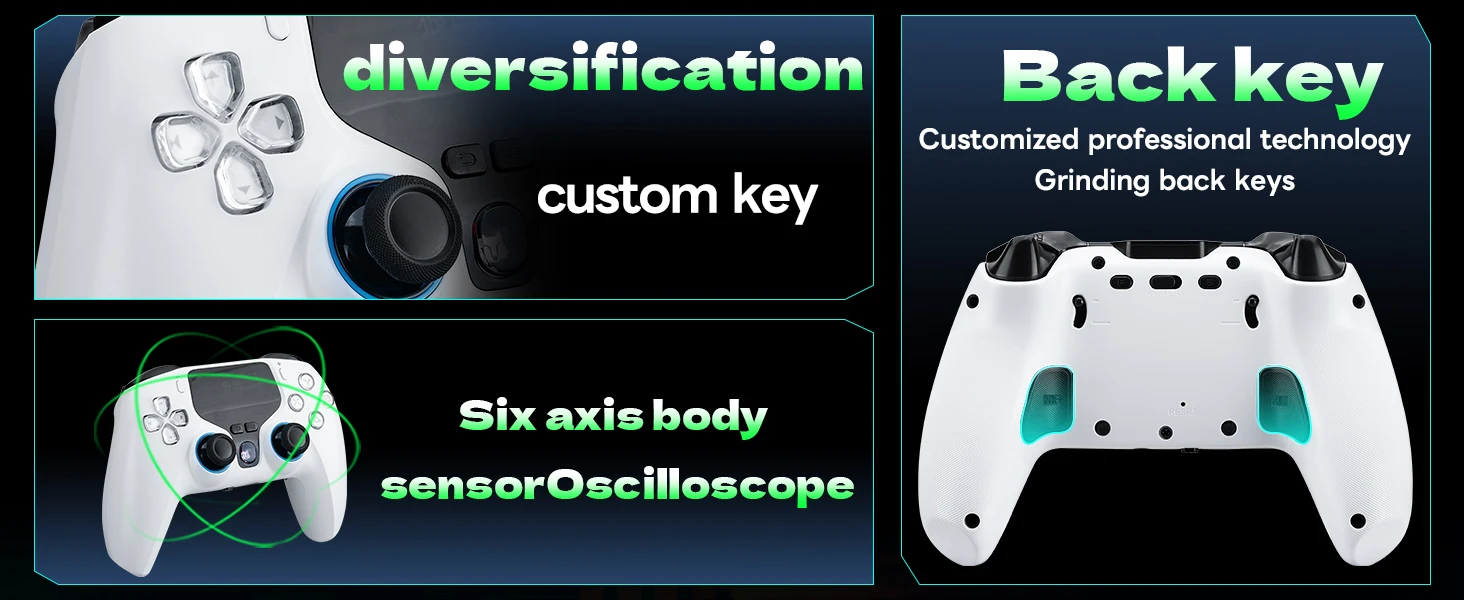
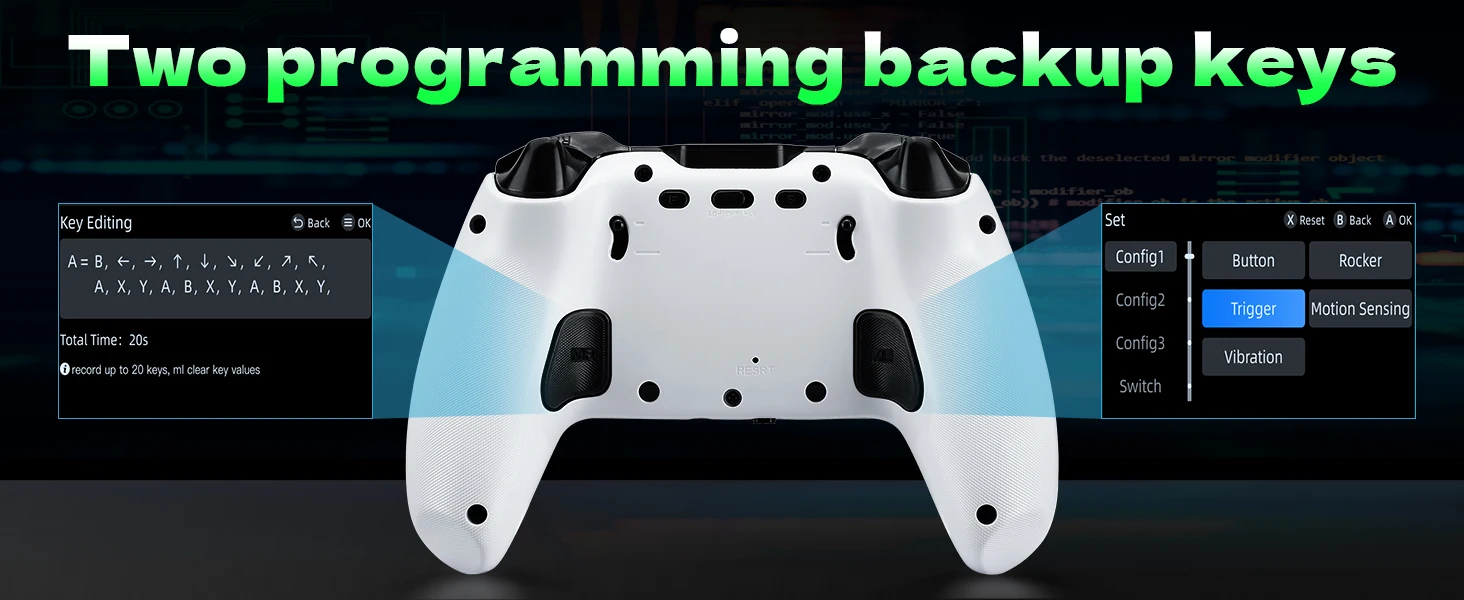
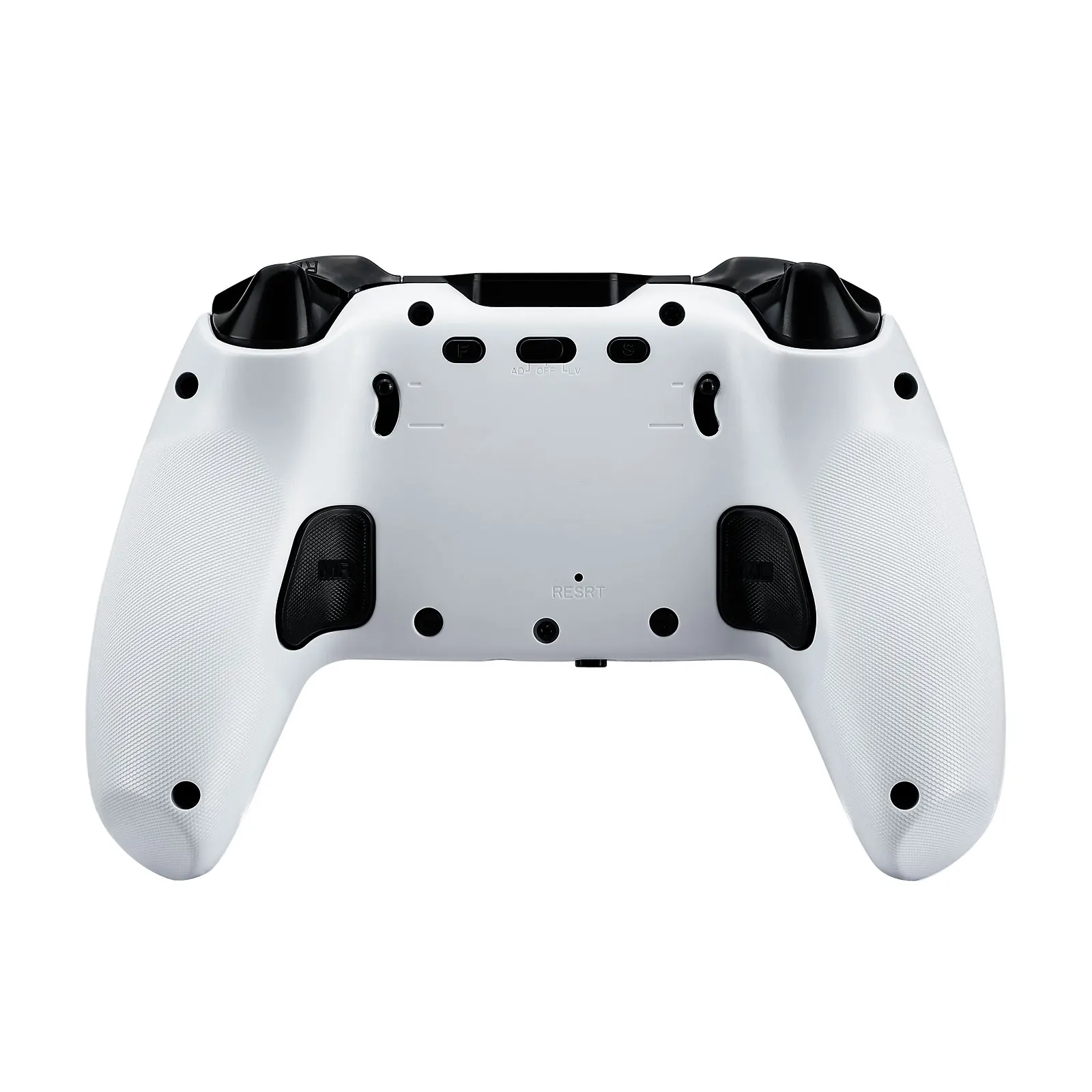
Programmable Back Buttons: Customizable rear buttons for enhanced control.
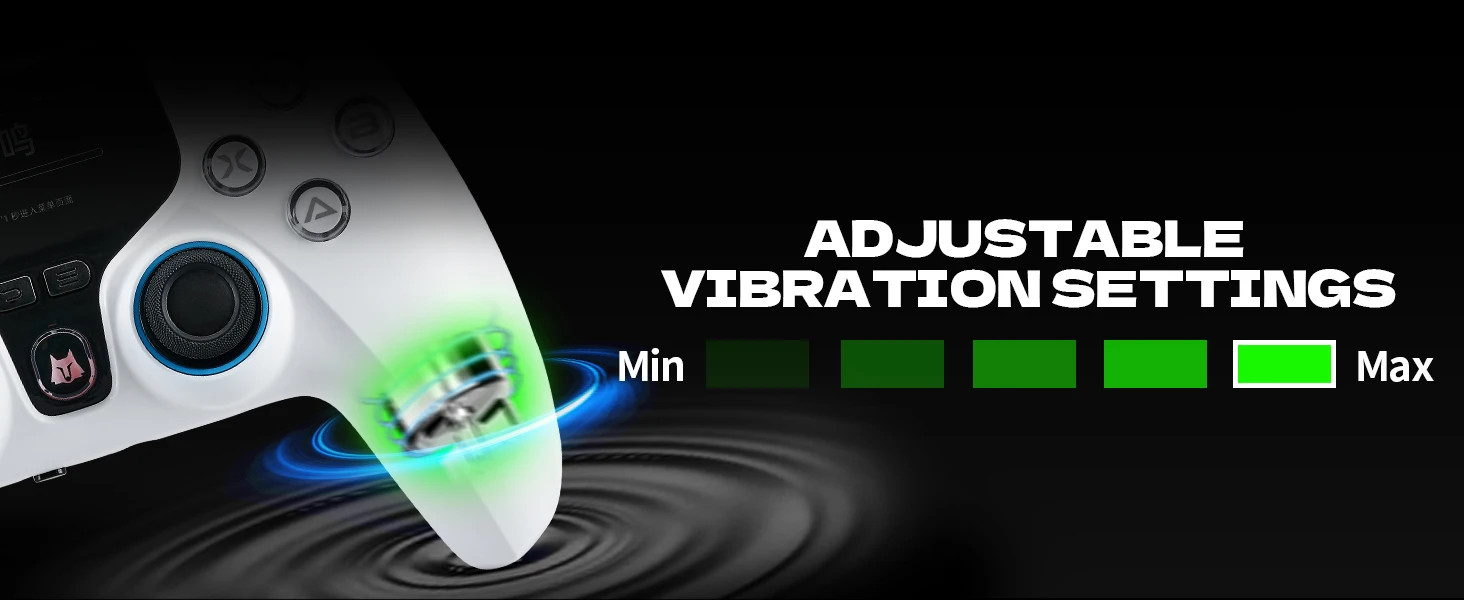
5-Level Vibration Adjustment: Adjustable vibration intensity across 5 levels.
Headphone & MIC Support: 3.5mm audio jack with microphone support (wired mode on PC only).
-
Calibration Support:
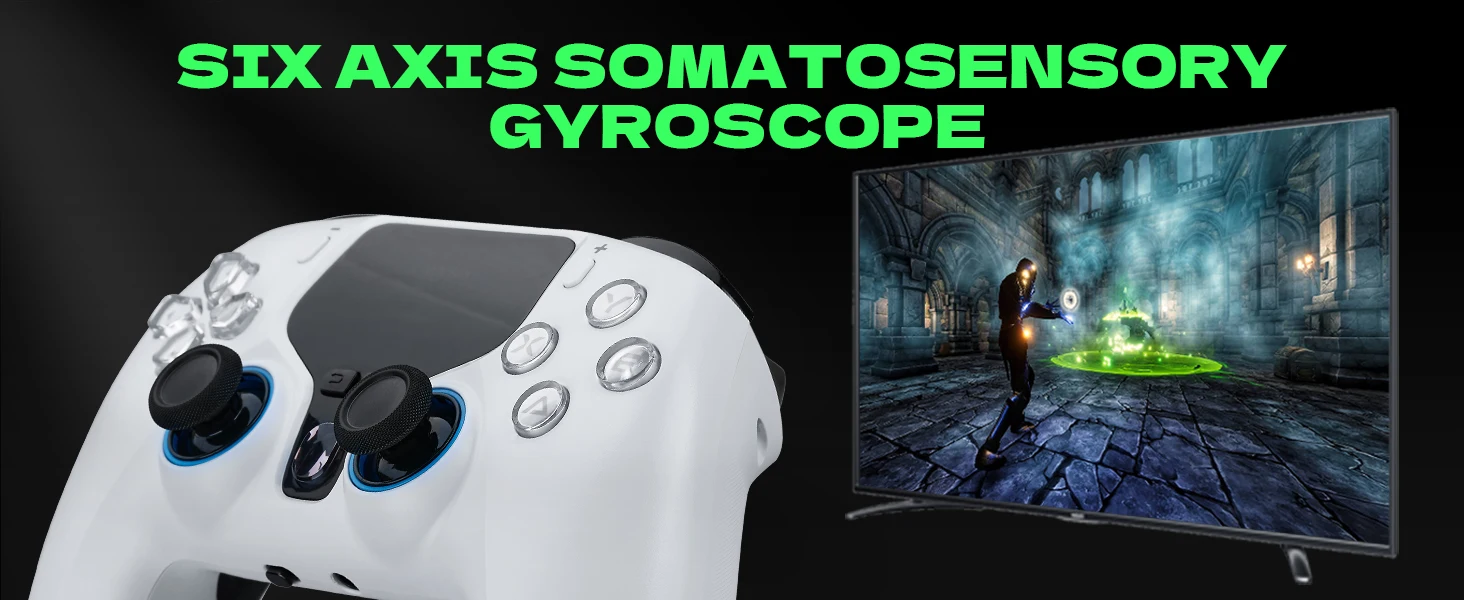
Joystick calibration / Trigger calibration / Gyro calibration.
Cross-Platform Gyro Functionality: Gyro sensor compatible with multiple platforms.
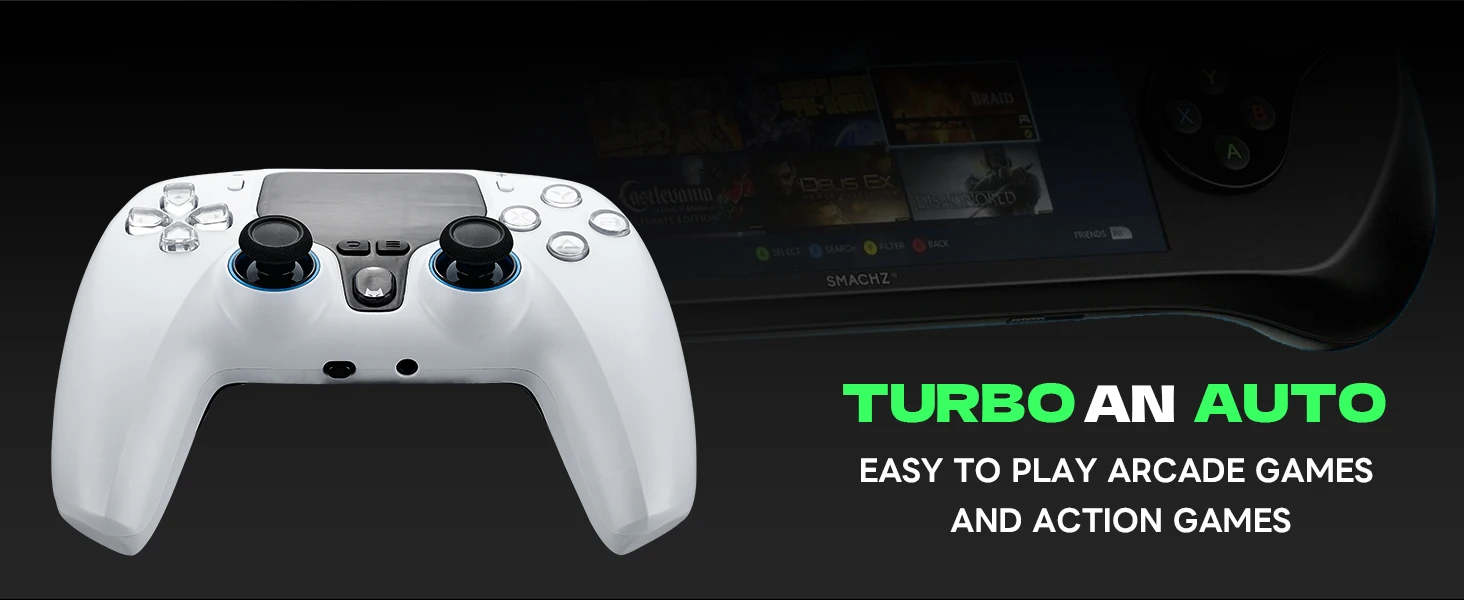
Independent TURBO/AUTO Key Configuration: Customize rapid-fire (TURBO) and auto-hold (AUTO) settings per button.
Adjustable Stick Sensitivity & Dead Zones: Fine-tune left/right joystick response and dead zones.
Special Function Instructions
-
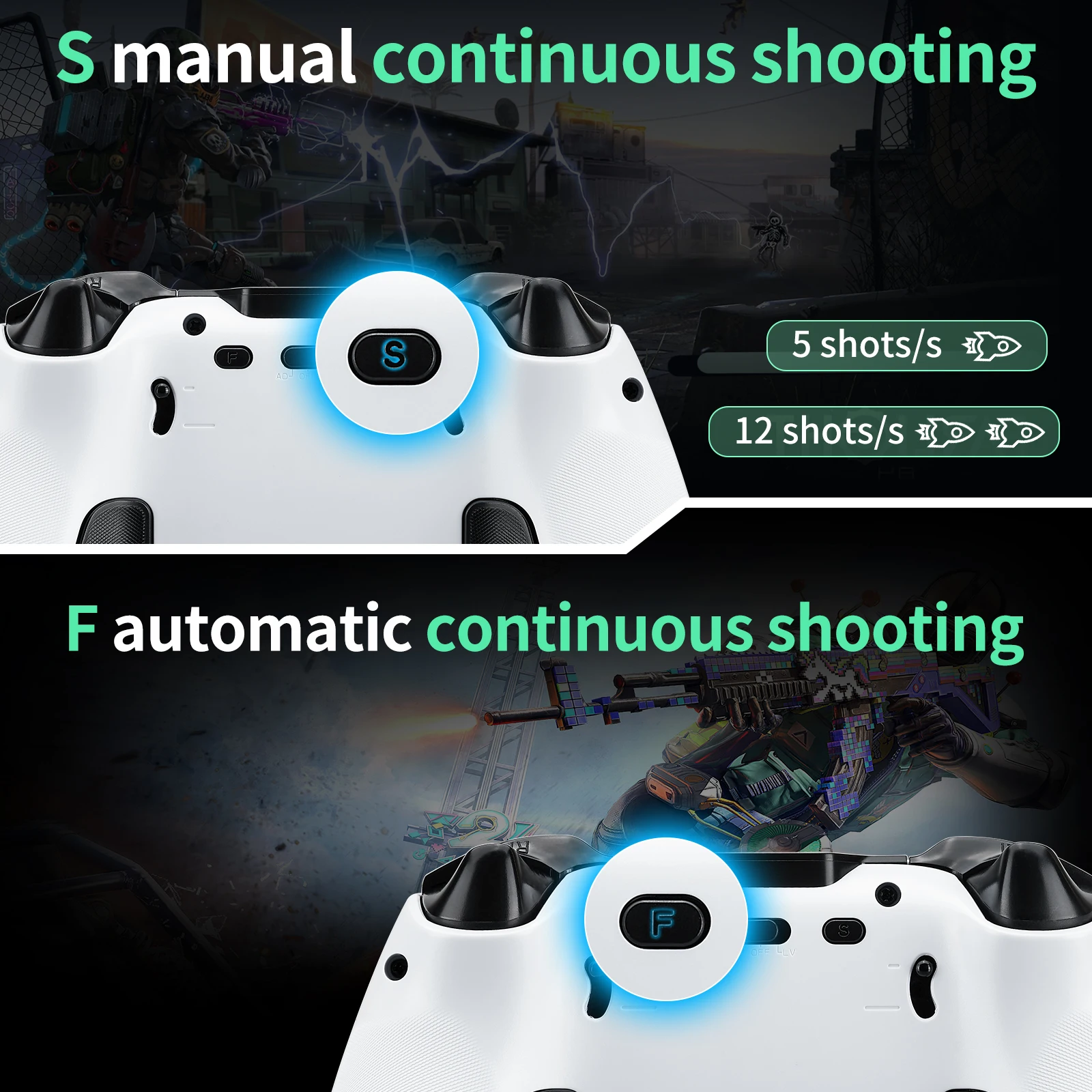
F Key: Fully automatic rapid-fire function key. Compatible buttons for rapid-fire include A/B/X/Y/L1/R1/L2/R2.
Setting Method: Press F + Target Button once to enable rapid-fire for that button. Press F + Target Button again to disable rapid-fire.
-
S Key: Semi-automatic rapid-fire function key. Compatible buttons for rapid-fire include A/B/X/Y/L1/R1/L2/R2.
Setting Method: Press S + Target Button once to enable semi-automatic rapid-fire for that button. Press S + Target Button again to disable the function.
-
Headphone Switch:
The headphone jack supports 3.5mm wired headphones with voice chat functionality.
Note: Headphones can only be used in wired mode and are only supported on the PC platform.
Operation: Slide the switch to the right to enable headphones and microphone. Slide it to the left to turn them off.
-
L2/R2/Left Stick/Right Stick Calibration:
Enter Calibration Mode: While powered off, hold L1 + DOWN and turn on the device. Motor vibration will indicate entry into calibration mode.
-
Calibration Steps:
Fully press L2/R2 triggers 2-3 times each through their maximum range.
Rotate the left and right sticks in full circles 2-3 times.
Save & Exit: Press the A button to save settings. Motor vibration will confirm the exit from calibration mode.